Multi-App Strategy: Working Uber, DoorDash & Instacart Together
Running two or three delivery apps at once is the single fastest way to raise your hourly rate — in my experience it adds roughly 15–25% by filling the dead time you'd otherwise spend parked waiting for one app to ping. Here's how to stack apps without burning your ratings, and how to actually know which combo pays you the most after expenses.
Last reviewed: June 9, 2026 · By Brenden Warn, ShiftTracker founder, Lime LP for almost 4 years · 42,000+ tasks completed
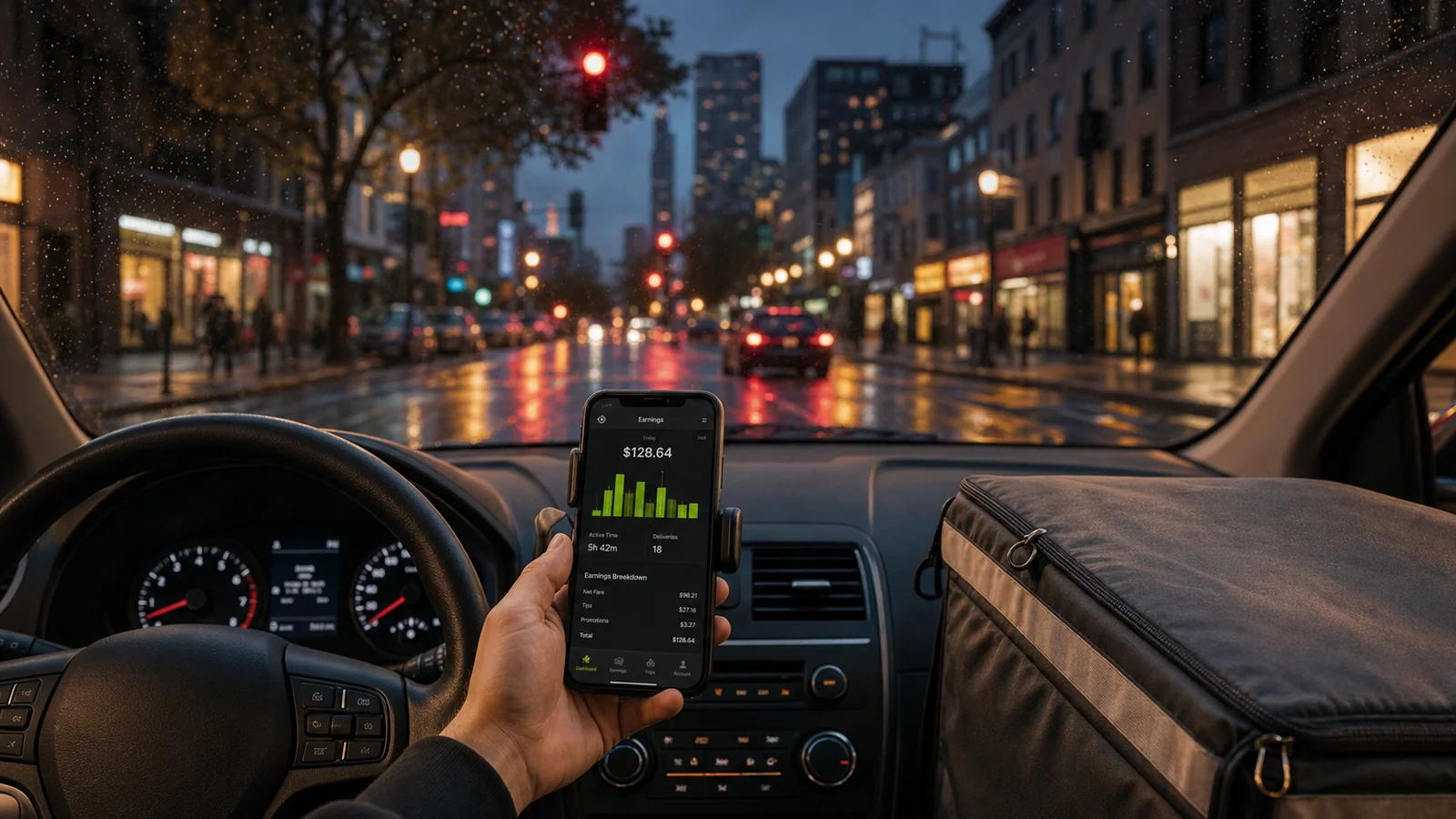
+15–25%
higher hourly rate
2–3×
more offers to pick from
1 log
all miles, one deduction
Does multi-apping actually pay more?
Yes — and the reason is mechanical, not magic. On a single app, a big chunk of your "online" hours are dead time: you're parked, available, and earning nothing while you wait for the next offer. Multi-apping shrinks that gap. With two or three restaurant-delivery apps running, you're seeing 2–3× the offer volume, so there's almost always something worth taking. That's where the 15–25% hourly bump comes from — not higher pay per order, but less unpaid waiting between orders.
The catch is that the apps don't tell you the truth about your real rate. Each one shows its own gross total, none of them subtract gas or vehicle wear, and they all ignore the miles you share across platforms. So a driver "making $22/hour on DoorDash" and "$18/hour on Uber Eats" isn't making $40 — they're making one blended number after expenses, and the only way to see it is to track all of it together. More on that below.
The best app combinations (and why)
The golden rule: stack apps with similar order durations. Two restaurant-delivery apps mesh because each order is 15–25 minutes, so you can hop between them. Pairing a 20-minute delivery app with a 60-minute grocery batch doesn't — you'd be locked into the long task and miss everything else.
DoorDash + Uber Eats
Best for most driversSame order type, overlapping markets, similar 15–25 min durations. The default starter stack — if you run nothing else, run these two.
DoorDash + Uber Eats + Grubhub
Dense / urban marketsThree-app restaurant stack maximizes offer volume; Grubhub adds late-night and college-town demand.
Instacart + Walmart Spark
Grocery-focused driversBoth are batch-style with similar shop-and-deliver flow; pause one while shopping the other's batch.
Uber + Lyft (rideshare)
Rideshare driversClassic two-app rideshare stack — take whichever surge is higher. Don't mix with delivery.
Amazon Flex + Roadie
Block + on-demand fillFlex blocks are scheduled; Roadie fills gaps. See our Amazon Flex vs Roadie breakdown.
Which combo pays most depends on your market. Run each for a week and compare true hourly rate — the DoorDash vs Uber Eats pay comparison and the top gig apps by real profit are good starting points.
How to run multiple apps without getting burned
Multi-apping is legal — no major US platform prohibits it — but sloppy multi-apping quietly costs you. The danger isn't deactivation; it's accepting an order on one app and then unassigning it when something better pings on another. Repeated unassignments drag down your completion and acceptance rates, which can cut you out of priority offers. Four rules keep you clean:
Never hold active offers on two apps at once. The moment you accept on the primary, pause or set the others to unavailable.
Screen, don't double-accept. Use a two-phone setup (or one phone, one app foreground) so you compare offers before committing, not after.
Take the best offer, decline the rest fast. Declining is free; unassigning an accepted order is what hurts your stats.
Protect the customer experience. A cold delivery because you stacked too aggressively costs you a rating — and ratings outlast any single order.
For the timing side — which app to lean on at which hour — pair this with our guides on the best times to work in the gig economy.
Track and consolidate earnings across every app
This is the part most drivers skip, and it's the part that actually tells you whether multi-apping is working. When your income is scattered across three apps, you can't see your real number — each app shows gross pay only, on its own screen, with no expenses subtracted. The fix is to consolidate pay, hours, and miles from every platform into one dashboard and let it calculate your true hourly rate after gas and vehicle wear, per app.
Mileage is the clearest example of why combined tracking matters. You drive one car across all your apps, so your tax deduction is based on your total business miles, not per-platform miles — at the 2026 IRS standard mileage rates of $0.725/mile (January–June) and $0.76/mile (from July 1) (IRS Publication 463), every mile counts whether it was a DoorDash or an Uber Eats run. Log them all in one place with odometer readings at shift start and end — the audit-defensible format Pub 463 asks for — and you capture the whole deduction instead of three partial ones.
ShiftTracker was built for exactly this: it consolidates earnings, hours, and odometer-based mileage across DoorDash, Uber Eats, Instacart, Walmart Spark, Lyft, and more into a single view of your real $/hour by app. Estimate your blended rate with the true hourly rate calculator, and see the full write-off list in our gig worker mileage & tax deductions guide.
Multi-apping FAQs
Does multi-apping really increase gig earnings?
Yes — running two or more gig apps simultaneously (most commonly DoorDash + Uber Eats + Grubhub) typically adds 15–25% to hourly earnings by filling dead time between offers. Best results come from apps with similar order durations (restaurant delivery) so you can accept whichever shows the better offer first. Multi-apping between restaurant delivery and grocery (Instacart) is harder because grocery batches take 30–60 minutes where you can't pause.
Which gig apps work best together for multi-apping?
DoorDash + Uber Eats + Grubhub is the classic three-app stack for restaurant delivery — order durations are similar (15–25 min), markets overlap, and the platforms allow simultaneous logins. Instacart + Walmart Spark works for grocery-focused drivers. Rideshare (Uber + Lyft) is a common two-app stack — but multi-apping rideshare with delivery rarely works because trip durations and routing are too different.
Will gig platforms deactivate me for multi-apping?
No — none of the major US gig platforms prohibit multi-apping. You can log into DoorDash, Uber Eats, Grubhub, Instacart, and Walmart Spark simultaneously without violating terms. The real risk is accidentally unassigning deliveries when a better offer comes in on a different app — repeated unassignments can lower your acceptance rate or batch priority on the platform you're unassigning from.
How do top gig drivers manage multiple apps at once?
Three habits. (1) Use a phone mount with two phones — one for the active delivery, one screening offers from the other apps. (2) Accept the highest-paying offer when multiple come in simultaneously and quickly pause or decline the others. (3) Match your platform mix to time-of-day demand: DoorDash for dinner peaks, Uber Eats for lunch, Grubhub for late-night college markets.
What's the best way to track earnings across multiple gig apps?
Don't rely on each app's separate in-app totals — they don't net out gas, vehicle wear, or your shared mileage, so they overstate what you actually keep. The cleaner method is to log every shift in one place that consolidates pay, hours, and odometer-based miles across all platforms, then shows your true hourly rate after expenses per app. That single combined mileage log also matters at tax time: your IRS deduction is based on total business miles across every app, not per-platform.
See your real rate across every app
ShiftTracker consolidates earnings, hours, and odometer-based mileage from all your platforms into one dashboard — so you finally know which app, and which combo, actually pays you the most after expenses.
Start Free TrialFree for 7 days, then $7.99/month or $59.99/year, billed automatically when the trial ends unless you cancel before then. It renews each month or year until you cancel. How billing works
